
Epson EcoTank All-In-One L14150 Wi-Fi A3+ Printer
SKU: C11CH96404
Epson EcoTank L14150 — Multifunctional A3+ Printer for Your Business
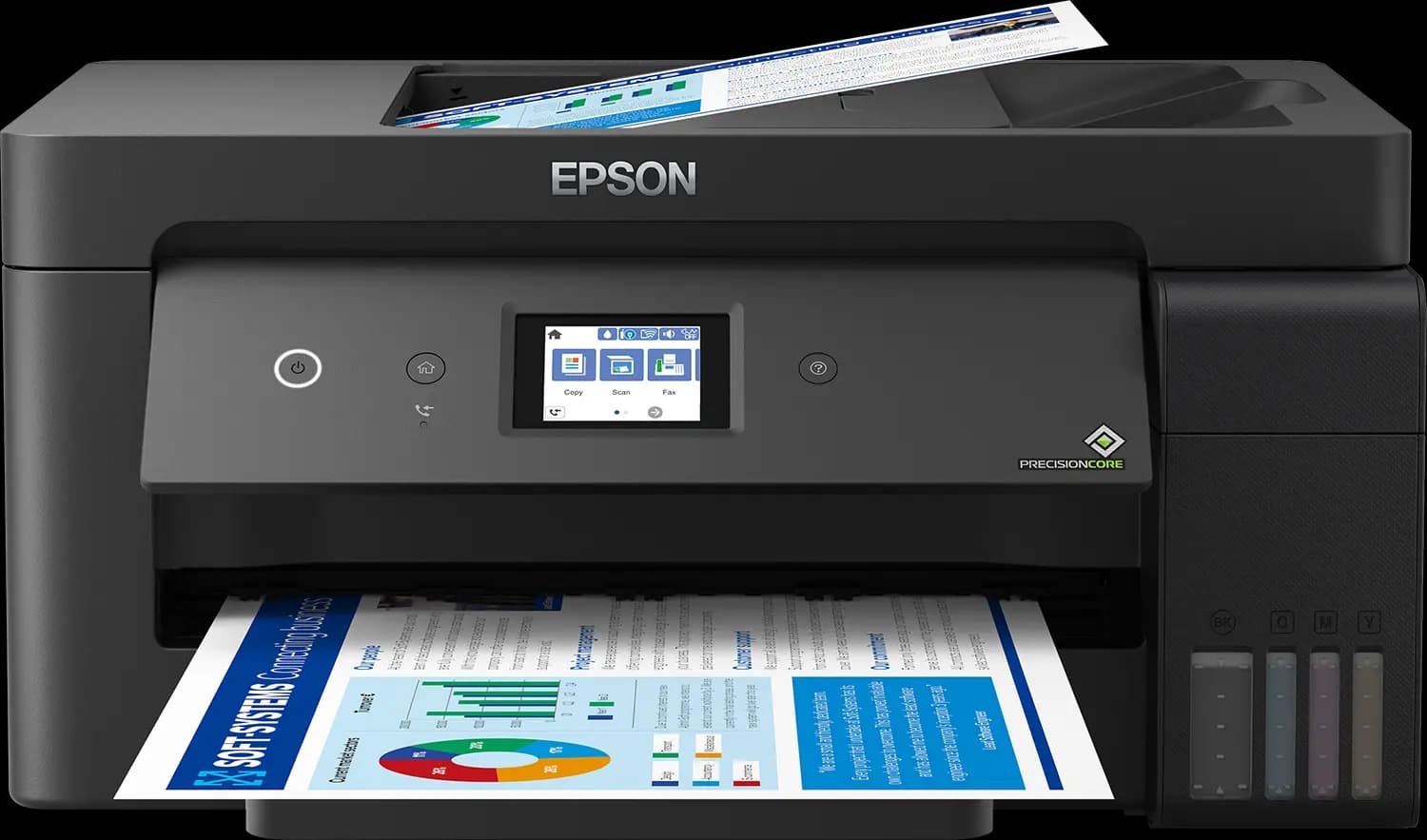
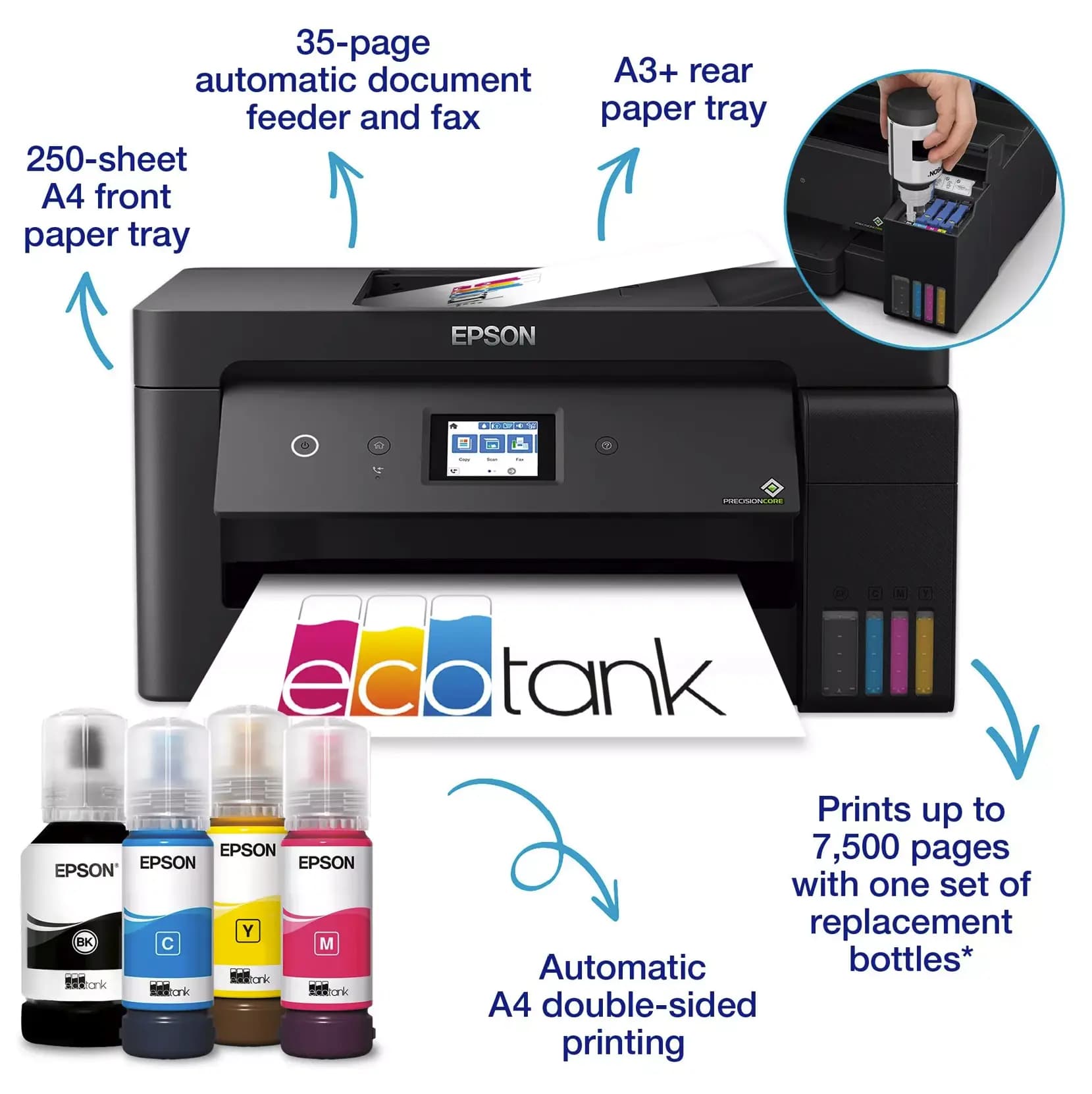
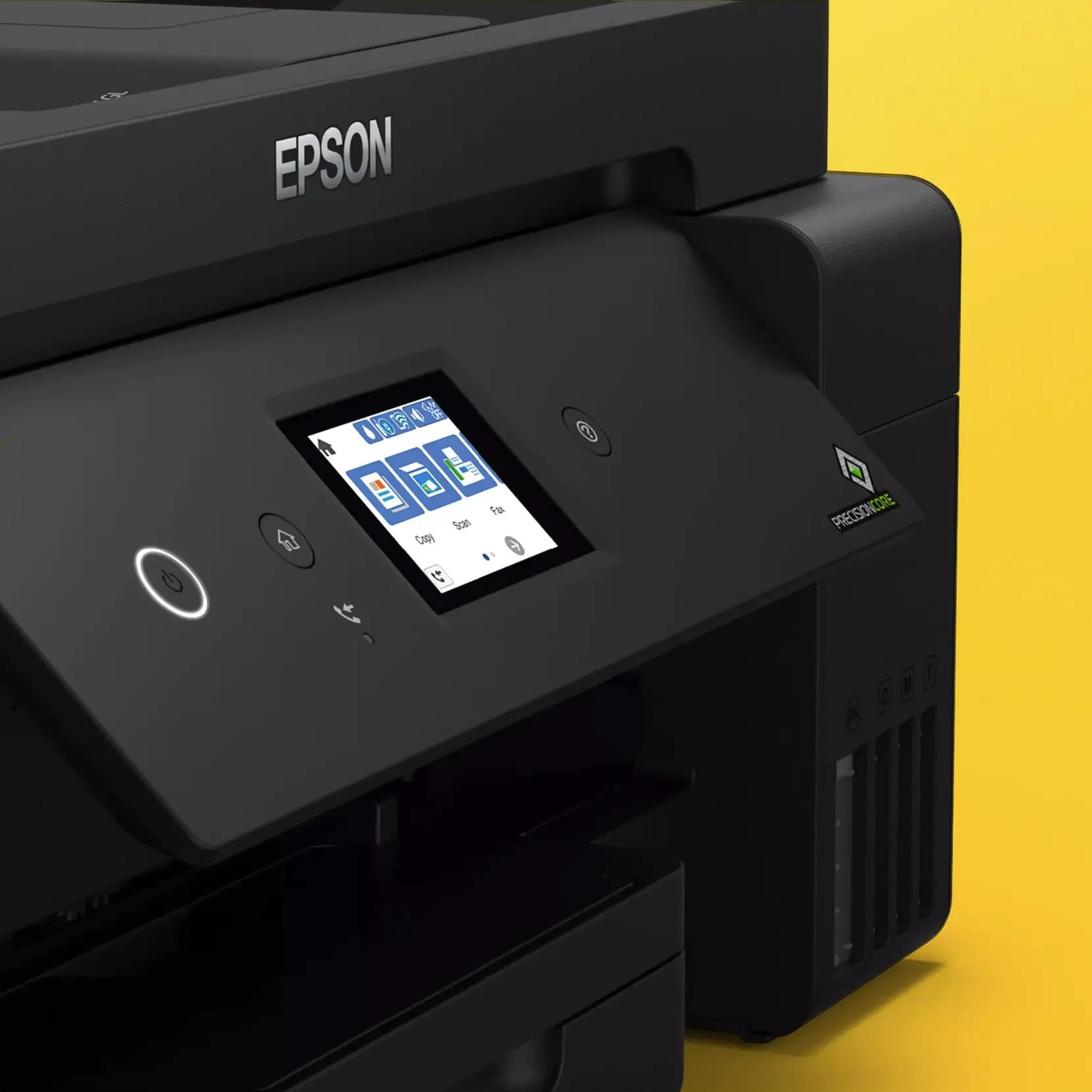
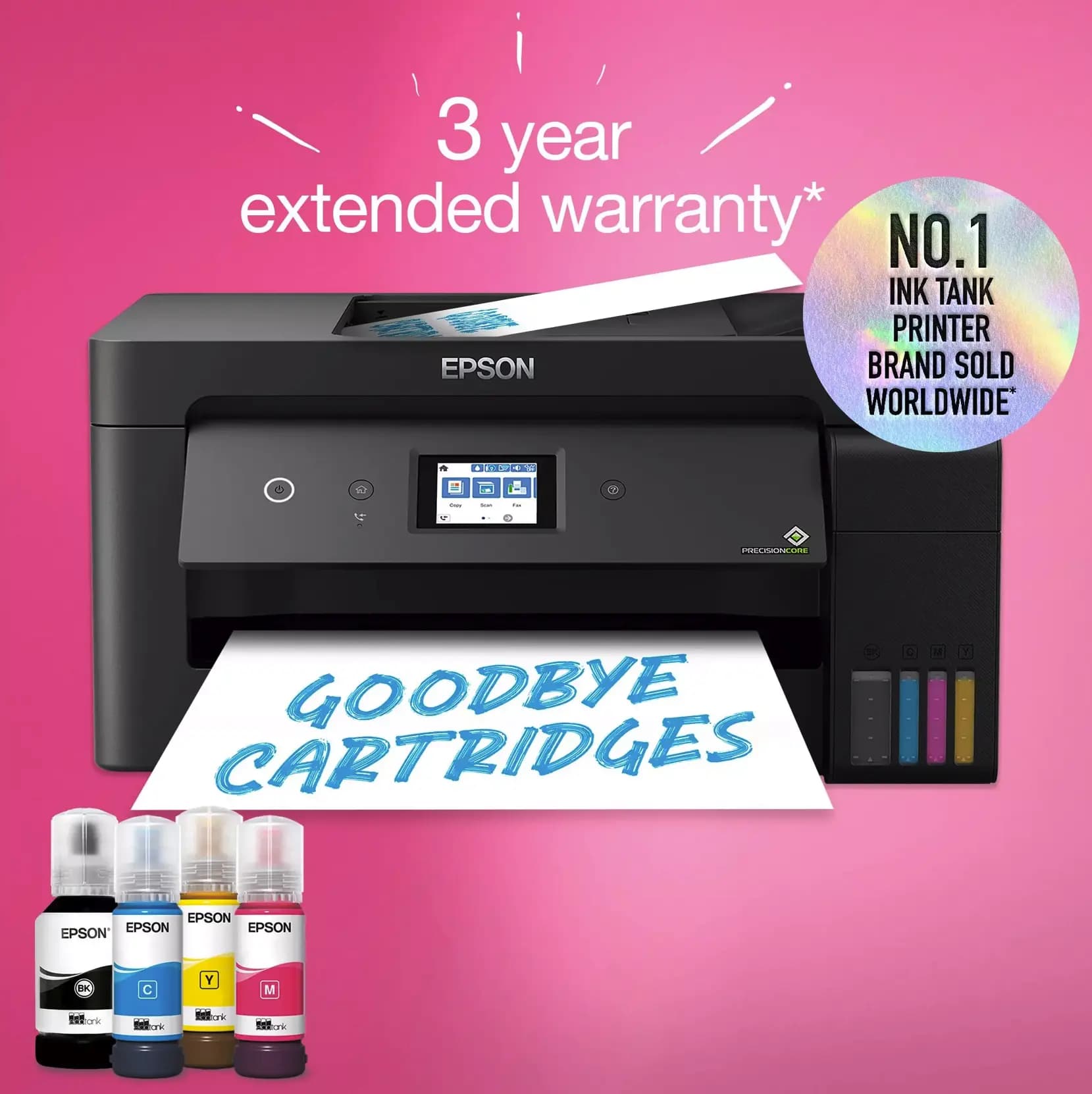
Epson EcoTank L14150 is a high-performance all-in-one printer, specifically designed for intensive workflows and heavy-duty operation. Its main advantage is full automation: the device makes it as easy as possible for users to access all functions—whether it’s A3+ printing (rear feed), A4 scanning, copying, or faxing. Automatic duplex printing, a 35-page automatic document feeder (ADF), and an intuitive LCD touchscreen allow you to manage processes autonomously, even without a computer, significantly saving your time.
The device is ideally suited for small group work—Ethernet and Wi-Fi support allows the whole team to manage processes smoothly and comfortably. The main 250-sheet tray is designed for A4 paper (no need to frequently add paper, minimizing workflow interruptions), while a special rear feed panel lets you instantly switch to A3+ format printing when needed.
Who is the Epson L14150 printer best suited for?
If your work requires daily, fast A4 document turnover, but you also occasionally need to print drawings, plans, or posters in A3+ format—this model is for you:
- For architects and designers: those who need a compact yet powerful device to present project materials and highly precise graphic drawings.
- For engineering and construction bureaus: where fast printing of technical documentation, full mobility, and high operational durability of the device are priorities.
- For families with high and diverse printing needs: a single universal L14150 fully replaces several different devices. It perfectly handles both children’s colorful school projects, students’ large-volume notes, and parents’ professional, business, both A4 and A3 documents.
- For modern offices and startups: where time and resource savings are valued, and all business tasks are solved with one versatile, automated system.
Why is the Epson L14150 the best investment for your business?
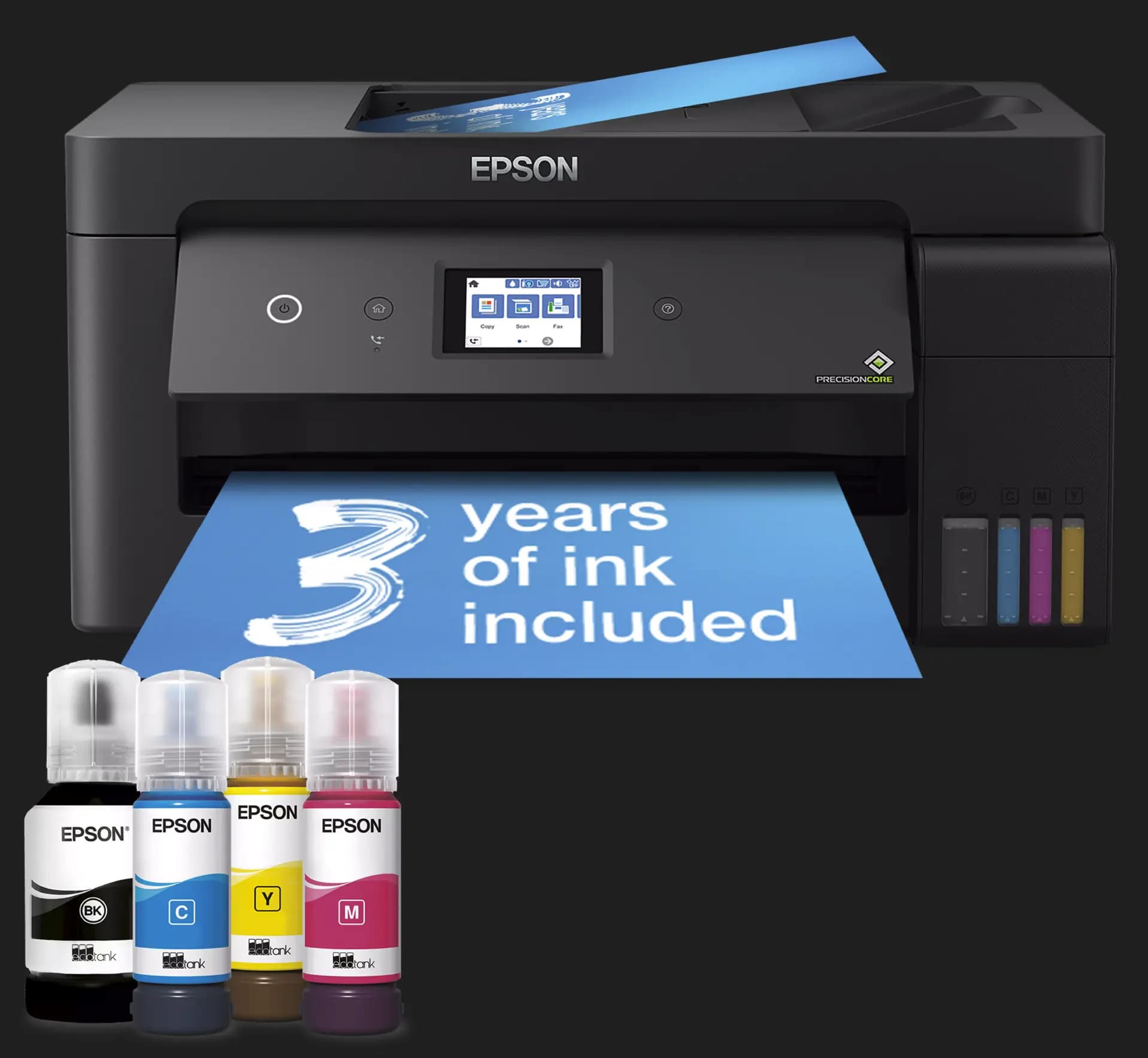
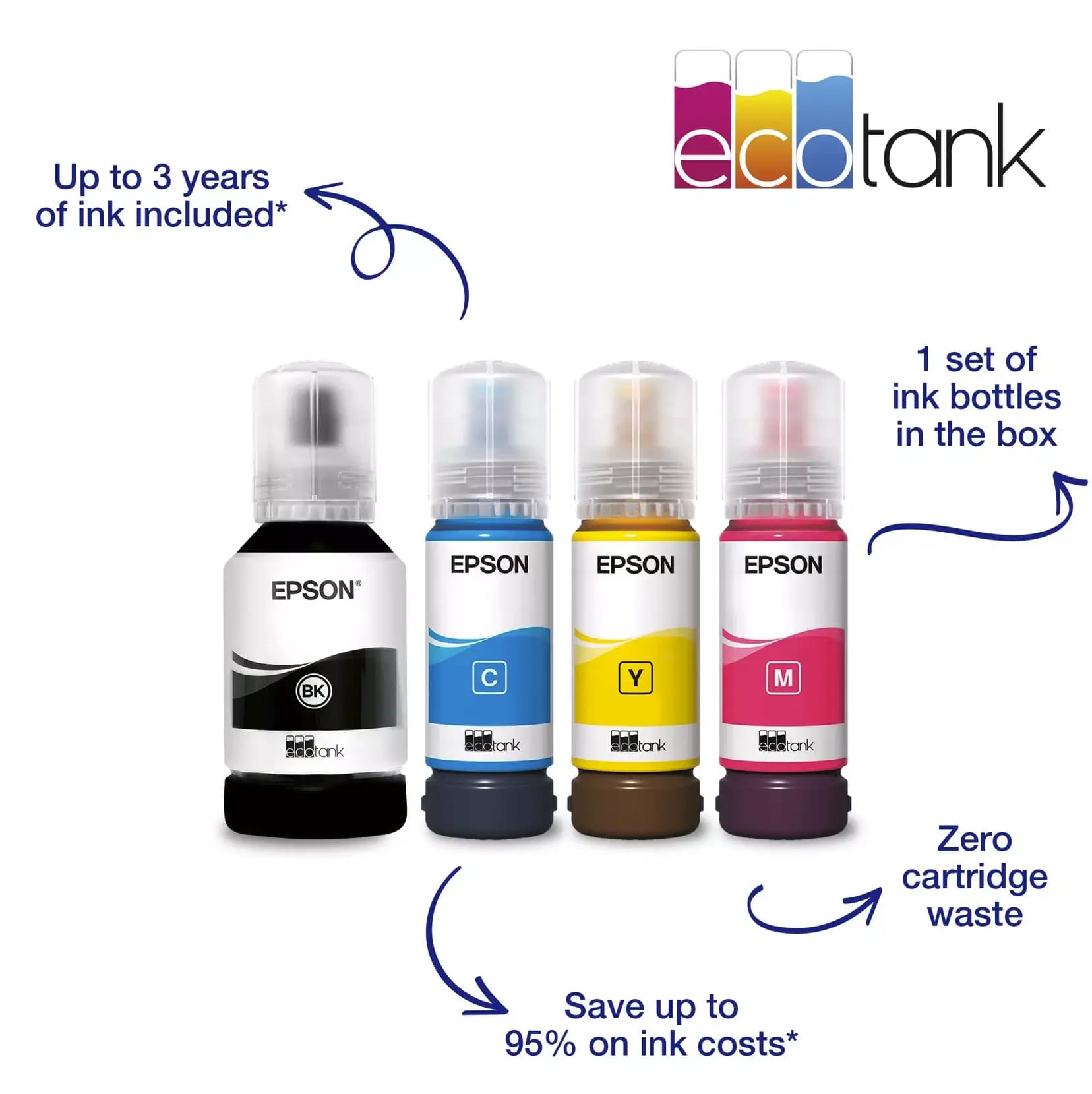
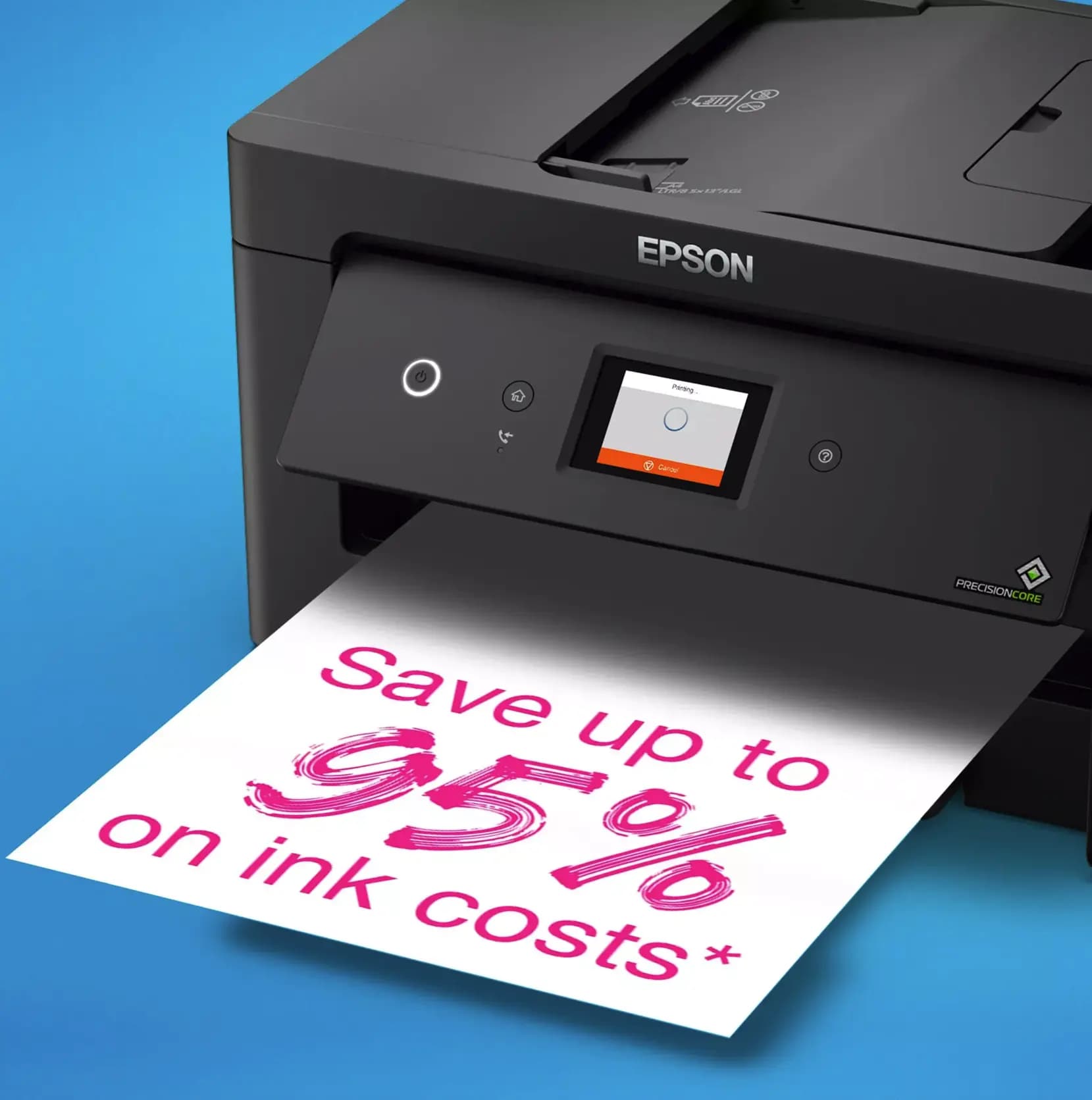
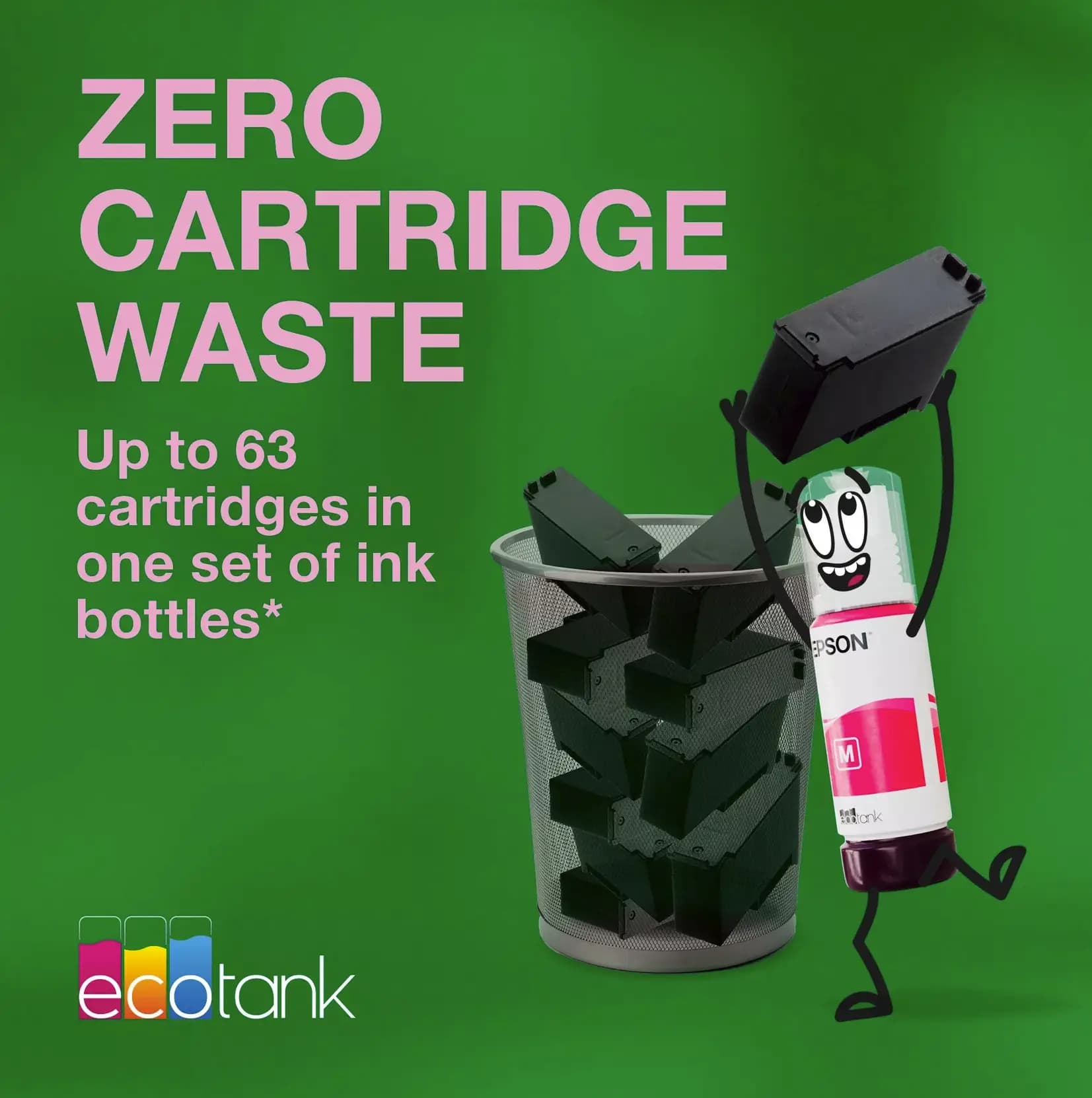
- Record savings and efficiency: The innovative EcoTank system reduces printing costs by an average of 90%. With one full setup, you get 7,500 black-and-white and 6,000 color pages, which is enough for years even under intensive use.
- PrecisionCore™ reliability: The device is equipped with a professional, heat-free printing head. It stands out for its high speed (17ppm), accuracy, and most importantly—it is designed for the entire lifespan of the printer.
- Exceptional print quality: Pigment black ink ensures text is sharp and deep, does not smudge, and meets the best office standards, while color inks bring your projects to life with vivid and realistic colors.
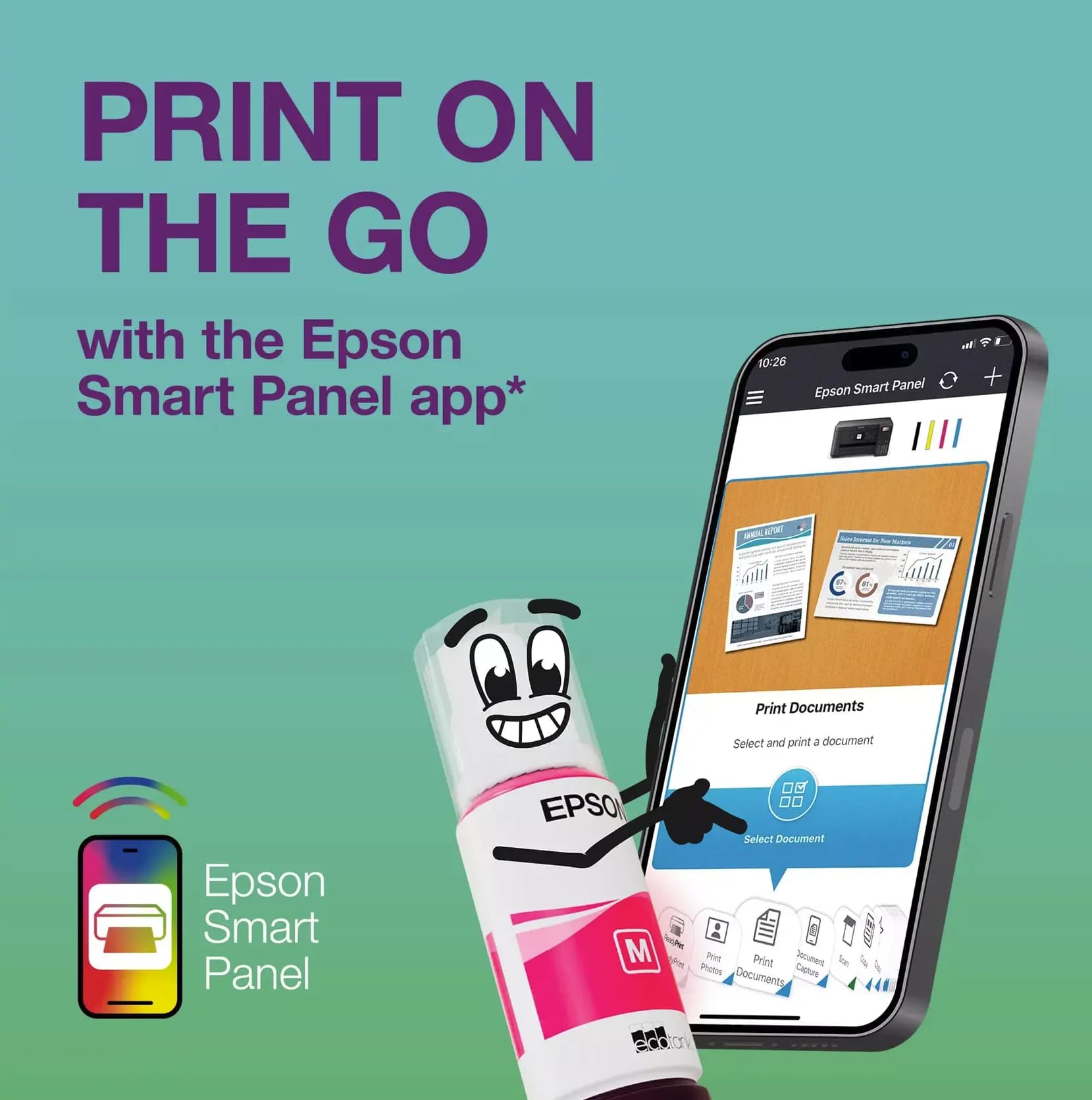
- Full mobility and connectivity: With Wi-Fi Direct and the Epson iPrint app, you can manage the printing process from anywhere, using your smartphone or tablet.
- Smart automation: Automatic duplex printing (Duplex) and a 35-page automatic document feeder (ADF) minimize your involvement in routine processes, allowing you to focus on your main tasks.
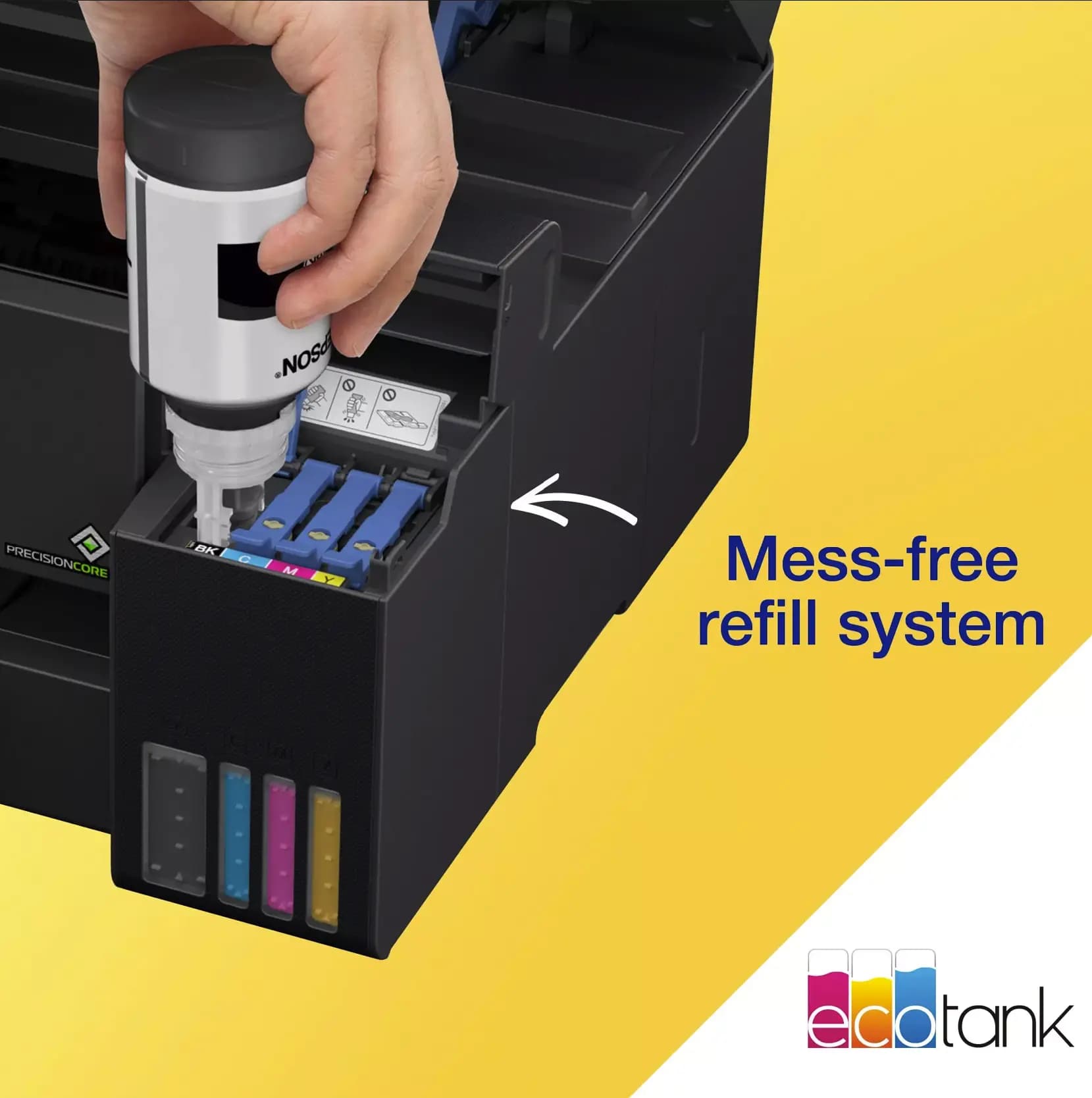
- Easy and clean setup: The new generation bottles are designed to prevent ink spills, and each color only fits its corresponding reservoir.
Maintenance and operational recommendations:
1. Regular system activity (do not let the ink dry): For uninterrupted operation of an inkjet printer, periodic use is recommended. Even if you don’t need to print daily, it’s advisable to print at least one color page every two weeks. This ensures constant ink circulation in the printhead nozzles, preventing ink from drying and maintaining perfect print quality. If you notice that the ink has dried and no ink comes out of some nozzles, simply run the printhead cleaning and/or intensive cleaning from the software, which will restore the original sharp and vivid prints.
2. Use only original ink (Epson 101 series) The Epson L14150’s high-tech PrecisionCore™ printhead is sensitive to ink composition. Using original pigment black and color inks guarantees that:
- The printhead nozzles will not be damaged or clogged with residue.
- Print quality will remain unchanged for years.
- The “Key-lock” system will protect you from mixing or spilling colors when refilling ink.
3. Ink level control Do not wait for the reservoirs to be completely empty. Monitor the indicators on the front panel. If the ink level drops below the minimum mark, air entering the system may cause printing defects. Timely refilling is a guarantee of long device life.
Characteristics
| Brand | EPSON |
| Brand | Epson |
| Device Type | Multifunction Printer |
| Main Functions | Printing Scaning Fax Copy |
| Additional Features | ADF (Automatic Document Feeder) Automatic Duplex Printing |
| Print Technology | Ink Tank (Continuous Ink Supply System) |
| Print Color | Color |
| Max Media Size | A3+ (> 297×420 mm) |
| Max Printing Resolution (DPI) | Up to 4800 x 1200 DPI |
| Interface | USB B Wi-Fi Ethernet (LAN RJ45) |
| Print speed black (draft, A4) | Up to 38 ppm |
| Print speed color (draft, A4) | Up to 24 ppm |
| Printer Supplies | Epson Ink 101 |
| Scan resolution, optical | Up to 1200 x 2400 DPI |
| Scan size, maximum | A4 (210mm ×297mm) |
| Product Model | L14150 |